
Make smarter decisions and grow faster with the data in your dashboard
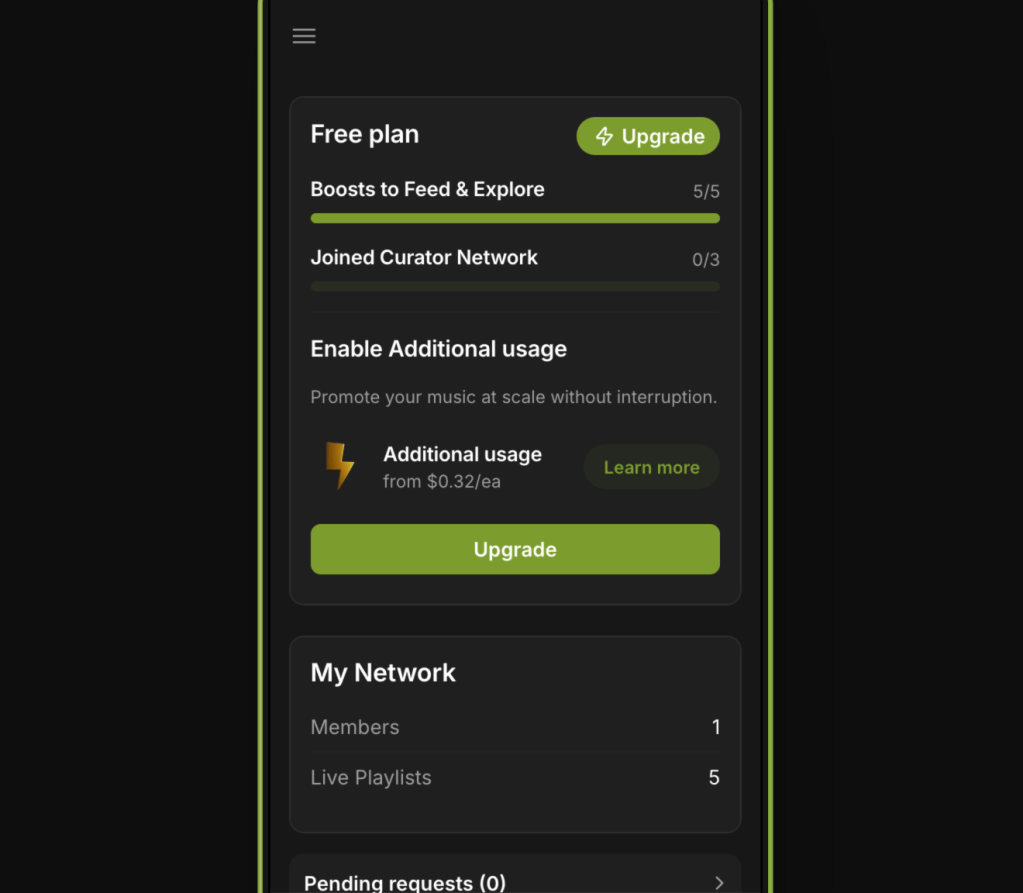
PlaylistFeed provides real-time stats that help you understand how you’re performing on the platform. Whether you’re an artist or curator, tracking your analytics can help you improve targeting, increase engagement, and refine your strategy over time.
For Artists
Your dashboard helps you see what’s working — and what’s not.
What to watch:
- Joined Networks
Shows how many playlists you’ve been approved to submit to. If the number is low, improve your targeting or profile. - Sent Requests
High volume with low acceptance may mean you’re submitting to mismatched playlists. Focus on curators that align with your genre and mood. - Followers
A rising follower count means your profile is building trust. Engage consistently and keep your profile complete.
For Curators
Your activity data shows how engaged and visible you are across the platform.
Key metrics to review:
- Boosted Playlists
Active Boosts drive most visibility. Rotate or update underperforming playlists and keep at least one active at all times. - Follower Growth
Reflects your credibility. More followers means more artists are discovering and engaging with your curation. - Playlist Engagement (likes, saves, follows)
Strong engagement signals to the algorithm that your playlist is worth surfacing more often.
How to Use the Data
- Adjust targeting: If you’re not getting results, use stats to realign where and how you engage
- Improve curation: If engagement is low, test different tags, titles, or update frequency
- Track trends: Use past submission results or playlist activity to guide your next moves
 PlaylistFeed Help Center