
The fastest way to stand out, get accepted, and earn trust on the platform
Whether you’re an artist submitting music or a curator building playlists, your PlaylistFeed profile is your calling card. It’s the first thing people see before accepting a submission, following your playlist, or inviting you into their network.
If your profile is half-empty, you’ll get ignored. But if it’s clean, clear, and well-written; people take you seriously. Here’s how to set it up the right way.
Step 1: Add a Profile Picture (Avatar)
Click on your profile icon in the top-right corner and choose Edit Profile.
Upload an image:
- Artists: Use your face, album art, or artist logo
- Curators: Use your logo, personal photo, or playlist branding
Make it clean and recognizable. Avoid blurry images, blank icons, or random art that doesn’t reflect your identity. A good avatar instantly increases your credibility on the platform.
Step 2: Write a Short Bio
Under the bio section, add 1–2 sentences about who you are. This isn’t your life story. It’s your elevator pitch.
Examples:
- “Indie rock artist from Toronto. Submitting unreleased tracks weekly.”
- “Curator of atmospheric & ambient playlists. Submissions open.”
- “Guitarist & beatmaker. Sharing raw demos and cinematic vibes.”
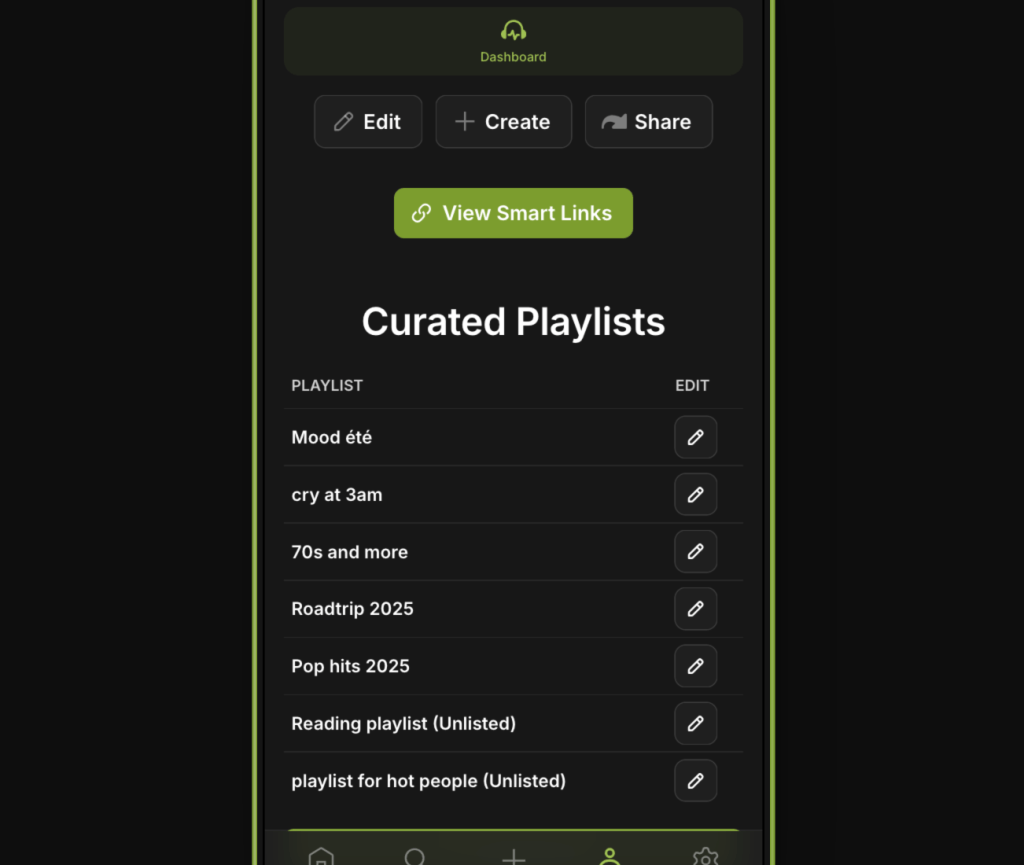
Step 3: Add Smart Links
Smart Links let you connect your off-platform presence in one click.
You can paste:
- Your Spotify Artist Page or Playlist Page
- Your Linktree, SoundCloud, or Website
- Your social handles (Instagram, TikTok, etc.)
This adds depth and makes it easier for people to verify you; especially curators who want to see your music or artists who want to see your playlist catalog.
Pro tip: Add at least one Spotify or website link to boost submission and network acceptance rates.
 PlaylistFeed Help Center