
Control how you appear on PlaylistFeed and track your activity
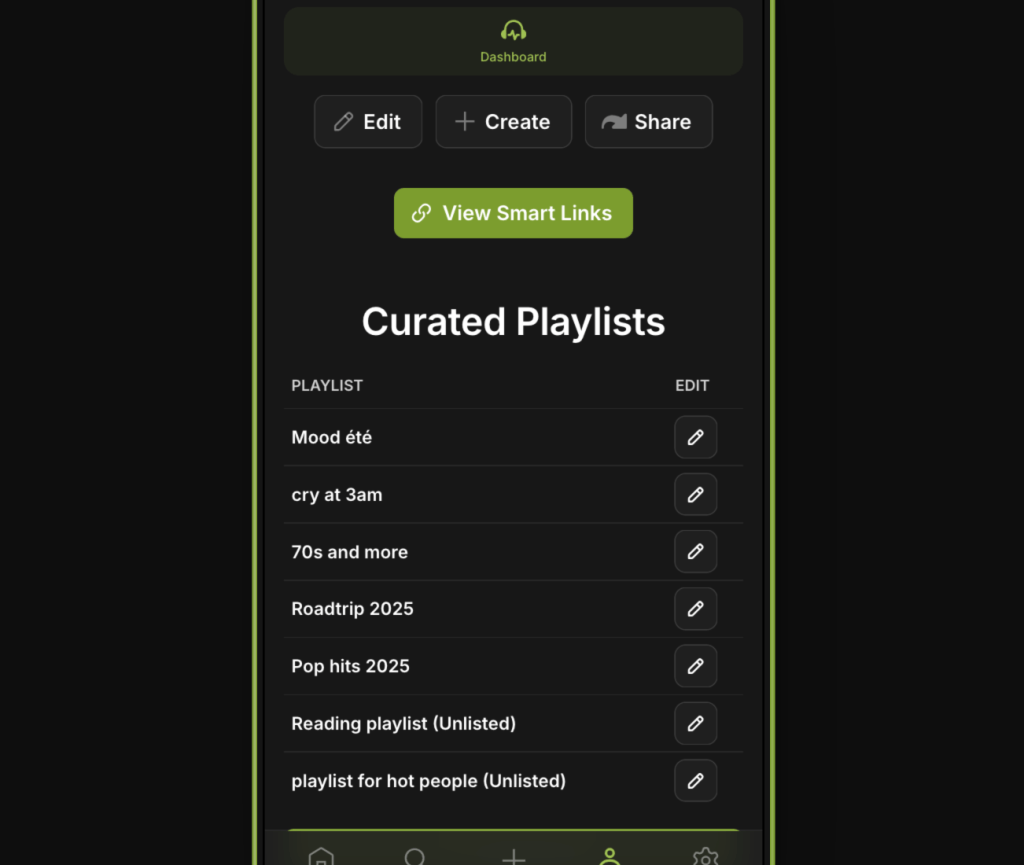
The Profile tab is where you manage your public-facing information, track stats, and access your playlists, submissions, and saved content. Keeping your profile complete and up to date builds trust and improves your results across the platform.
What You’ll See on Your Profile
- Profile Info (picture, bio, links)
- Your Playlists (Boosted and unboosted)
- Submitted Songs (for artists)
- Followers and Following
- Saved and Liked Playlists
- Curator Networks Joined
- Basic Stats (e.g. requests sent, playlists viewed)
Editing Your Profile
To edit your profile:
- Go to the Profile tab
- Click the “Edit Profile” button
- Update your name, bio, avatar, and smart links
- Save changes to apply them instantly
Complete profiles receive more requests, followers, and submissions.
Stats Overview
Your profile includes real-time analytics such as:
- Number of curator networks joined
- Total requests sent
- Playlist views
- Followers and following counts
Use these to measure your engagement and improve your strategy.
Notes
- Your public profile is visible to other users (curators and artists)
- Only Boosted playlists are visible to others
- You can remove playlists, unboost content, or update info anytime
 PlaylistFeed Help Center