
Review access requests, track submissions, and stay organized
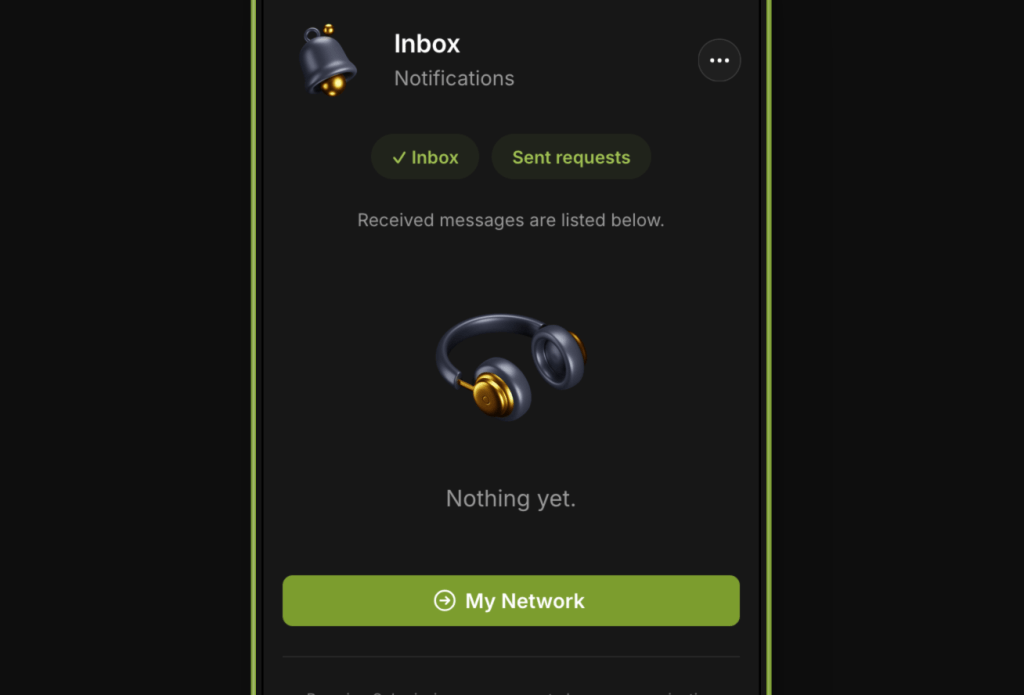
The Inbox tab is where curators handle all incoming activity related to their playlists. This includes reviewing access requests from artists, managing song submissions, and keeping track of responses.
What You’ll Find in Inbox
- Access Requests
Artists asking to join your Curator Network so they can submit to your Boosted playlist - Submission Inbox
Tracks submitted by artists you’ve accepted - Status Filters
Sort by pending, accepted, skipped, or expired submissions - Request History
View past decisions and re-evaluate if needed
How to Use It
- Go to the Inbox tab from the main navigation
- Select the playlist you’d like to manage
- Review pending access requests — accept or reject as needed
- For approved artists, listen to submitted tracks and decide to accept or skip
Best Practices
- Respond Promptly: Artists are more likely to engage with curators who reply within a few days
- Only Accept Relevant Requests: Approve artists whose sound fits your playlist’s vibe and genre
- Keep the Inbox Clean: Regularly process or clear out old submissions to stay organized
Notes
- You must Boost a playlist to receive access requests and submissions
- Artists can only submit if they’ve been accepted into your Curator Network
- Submissions are one per artist per playlist and reset after action is taken
 PlaylistFeed Help Center