
View your stats, monitor performance, and stay organized
The Dashboard tab gives you a centralized view of your key activity on PlaylistFeed. Whether you’re an artist or curator, this section helps you measure progress, analyze engagement, and optimize your strategy over time.
What You’ll Find in the Dashboard
- Stats Overview
- Followers
- Playlists viewed
- Submission requests sent
- Joined curator networks
- Playlists liked and saved
- Users you follow
- Submission Tracking
- See which tracks have been submitted
- Track status: submitted, accepted, skipped
- View curator response history (if applicable)
- Curator Activity(for curators)
- Submission volume
- Playlist performance
- Network growth
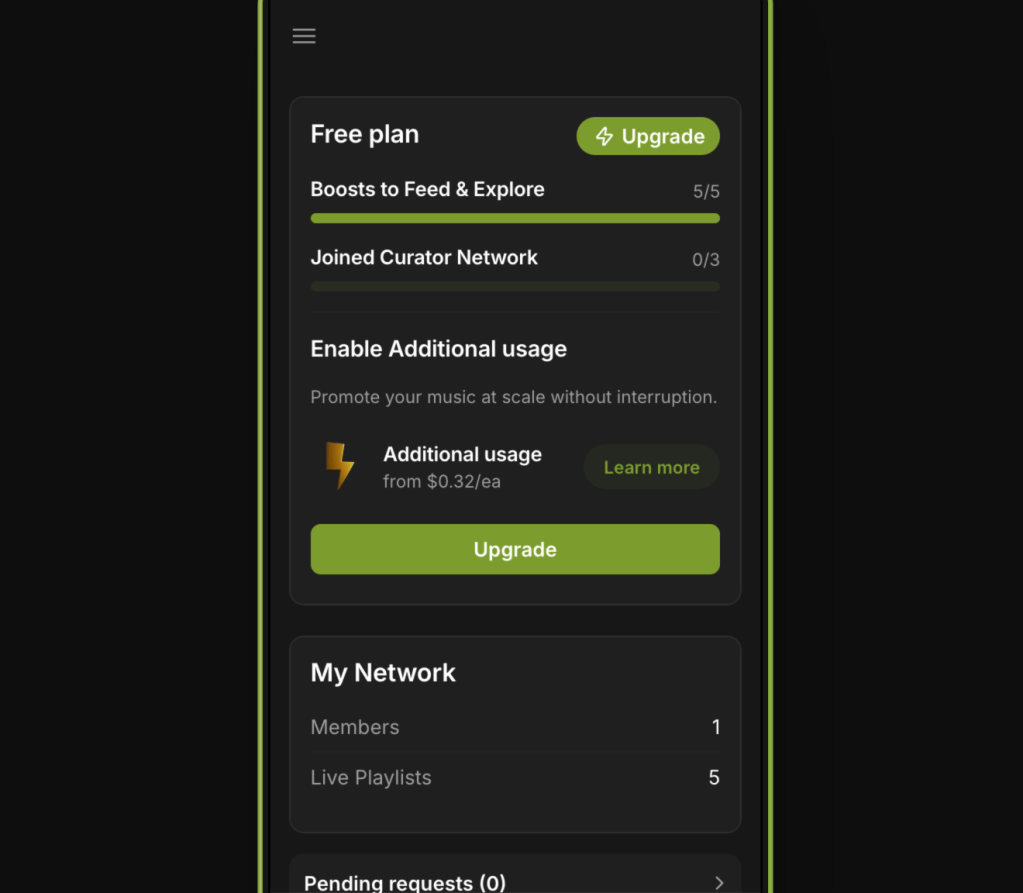
- Boost Usage
- Number of active Boosts
- Available Boost slots (based on your plan)
- Quick access to manage Boosted playlists
How to Use the Dashboard
- Check in regularly to measure your reach and interaction
- Identify which playlists or submissions are performing best
- Spot patterns and adjust your approach accordingly
- Use follower growth and submission stats to assess impact over time
Notes
- Data updates in real time
- Stats reflect both platform engagement and submission activity
- Dashboards may differ slightly for artist and curator accounts
 PlaylistFeed Help Center