
Boosting a playlist on PlaylistFeed is required to make it visible to others and to unlock core platform features. Without boosting, your playlist remains private and cannot receive submission requests from artists.
This article explains how Boosting works and why it’s essential.
What Is a Boost?
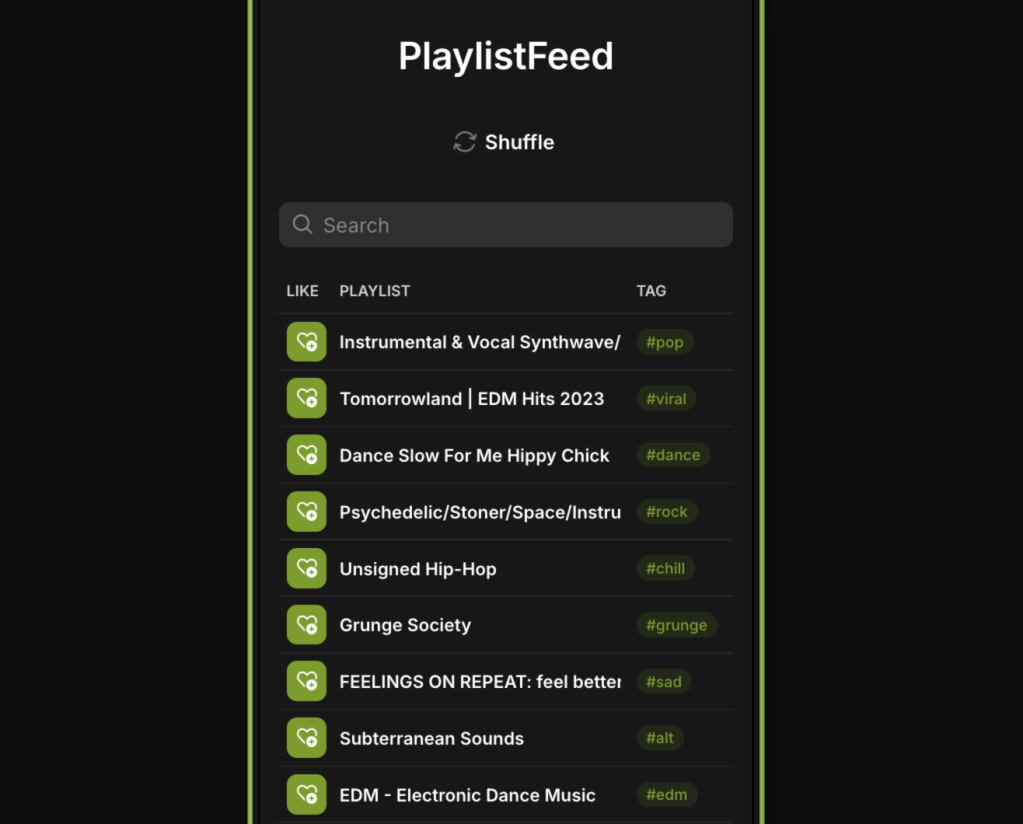
A Boost is a visibility upgrade that makes your playlist active on the platform. Once boosted, your playlist appears in:
- Home Feed (real-time activity feed)
- Explore (searchable discovery section)
- Your Curator Network (where artists can request to send you songs)
What Boosting Enables
Once you Boost a playlist, you unlock:
- Visibility Across the Platform
Your playlist becomes visible to other users in Feed and Explore. It will show up in genre-based searches and trending playlists based on activity. - Curator Network Access
Artists will be able to request access to submit music directly to your playlist. You can accept or reject these requests. - Submission Management Tools
You gain access to an inbox where you can view, manage, and respond to incoming submissions. - Profile Engagement
Boosted playlists draw more visits to your profile and improve your follower growth as a curator.
How to Boost a Playlist
- Publish your playlist
- Click the “Boost” button on the playlist page
- Confirm the action (some accounts may have Boost limits based on plan or usage)
Important Notes
- Only Boosted playlists appear in public sections of the platform
- Each Boost is tied to one playlist
- You can remove a Boost at any time to pause visibility and submissions
- You can disable Boost and boost another playlist with the same slot.
 PlaylistFeed Help Center